
Question -
While logged into Engagement Manager, how do I access the Medispend Transparency Reporting Solution?
Answer -
Navigate back to your home page by selecting the Medispend Icon on the top left hand corner of your screen.

From the home page, users with access to the Medispend Transparency Reporting Solution will see a 'Piggy Bank' Icon with a 'Dashboard' button available for selection for the 'Transparency Solution'
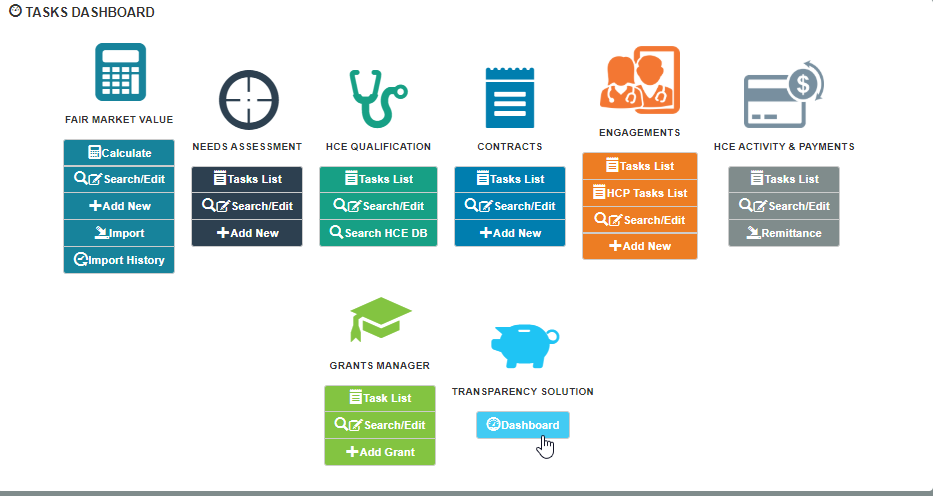
Selecting this icon will bring you to the home page of the Medispend Transparency Reporting Solution.
Comments
0 comments
Please sign in to leave a comment.