
Question -
Every time I log out of the system and later try to log back into Engagement manager, I get a 'white label error', why is this?
Answer -
The proper URL for access the Transparency Solution and Engagement Manager platforms is login.medispend.com. Once logged into the main site, you will want to select the Engagement Manager button to navigate to the Engagement Manager page: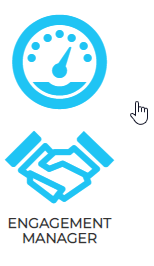
Selecting this button will navigate you to login.em.medispend.com and then you are redirected to the main dashboard. Attempting to log directly into login.em.medispend.com will not work as authentication takes place on the login.medispend.com site at this time.
If you are an SSO user you may log into a 3rd party system first and then navigate to login.em.medispend.com -
This is only possible because with SSO users, the authentication is being completed prior to you accessing the system. If you are an SSO user and you do not log into your SSO site first, you will not be able to access Engagement Manager until you do.
If you previously accessed Engagement Manager and are now logging back in, you will note that the URL you are accessing may contain 'Logout':
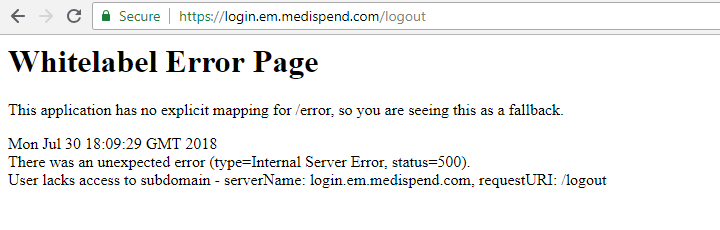
For SSO users - If you remove 'logout' from your URL, you will then be navigated to the main page of Engagement manager. Please NOTE the above only applies to SSO users.
Non-SSO users will always need to navigate to login.medispend.com to log back into the system, then select the 'Engagement Manager' button to launch the EM platform.
Comments
0 comments
Please sign in to leave a comment.