
Question -
How do I reset my password?
Answer -
Password Resets can be performed manually while logged into the site, as well as from the main login page.
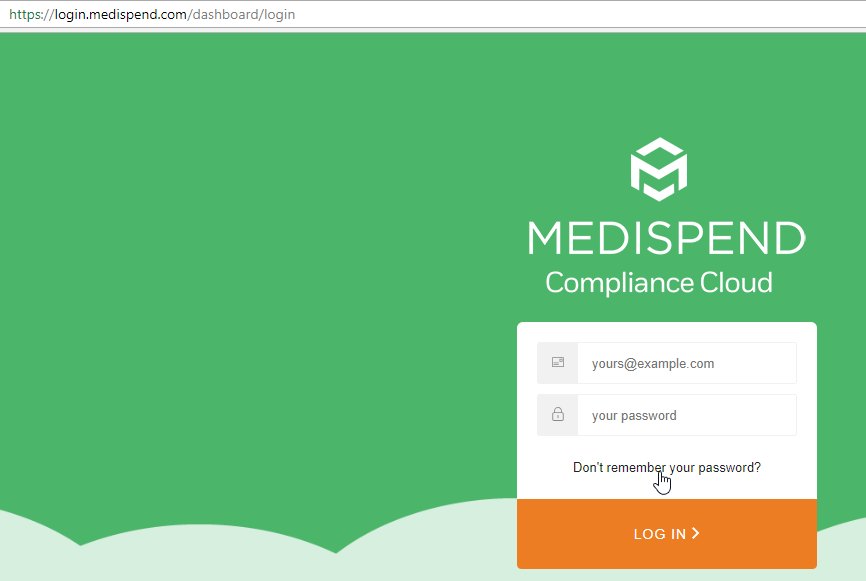
On the Production environment (login.medispend.com)- Below the initial login prompt is a button labeled 'Forgot Password'.
Selecting this button will open a dialog asking you to enter your username or email address to initiate a password reset on your user account.
An Email is then sent to the email address associated to your user account which includes a temporary password for accessing the system. This password is only good for the day you perform the reset and the system will prompt you to create a new password after using it.
On the Implementation environment - (login.imp.medispend.com) - Mail is disabled. Please reach out to the support team at support@medispend.com to have your password reset on IMP.
For SSO users - please reach out to your internal IT team to address your password reset.
Comments
0 comments
Please sign in to leave a comment.