
Question -
How do I address an issue where my spend record is tied to a physician with a deactivated NPI?
Answer -
We would suggest that you check to see if the physician has a new NPI# by navigating to https://npiregistry.cms.hhs.gov/registry/
If you find that the CR does not have a new or updated NPI, we suggest to remove the deactivated NPI# and report the physician only with the valid state license information.
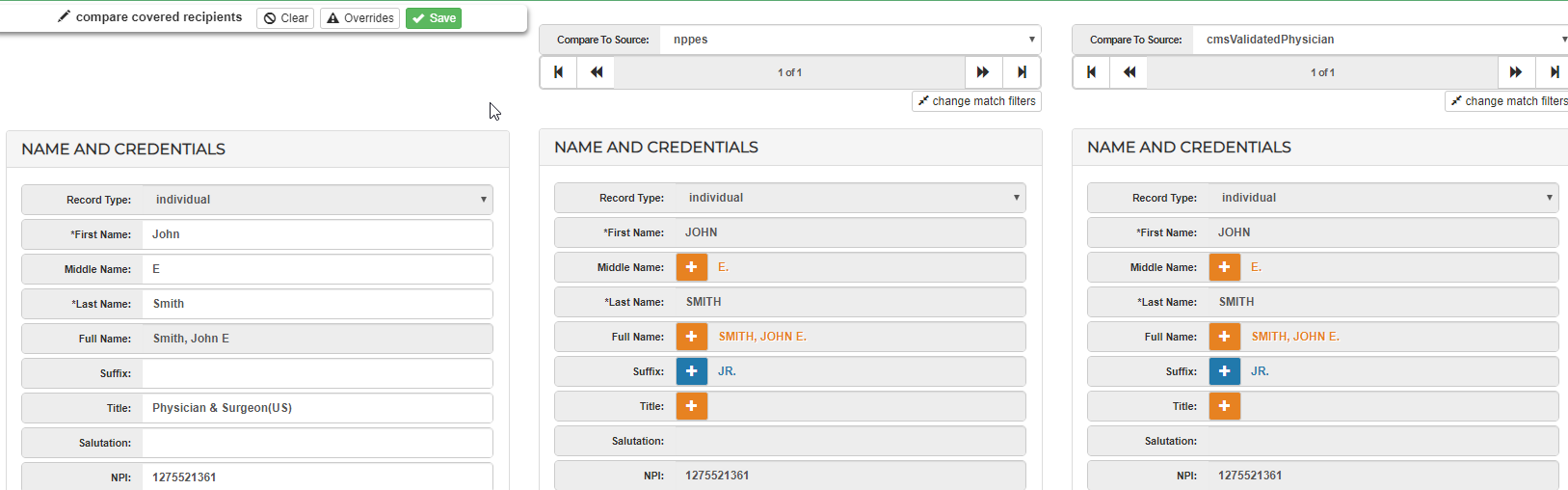
You may also open the CR record and select the 'Compare' button at the top of your page to compare your CR record with similar data listed on NPPES, HDS, or the Validation Physician list.
Comments
0 comments
Please sign in to leave a comment.