
Question -
I am having trouble locating the NPI for my covered recipient. Do you have any suggestions of how I can obtain this information?
Answer -
Outside of Medispend you can use the NPPES search site:
https://npiregistry.cms.hhs.gov/
Or within MediSpend, you can search by name under the Covered Recipient tab, which should return external and customer master results.
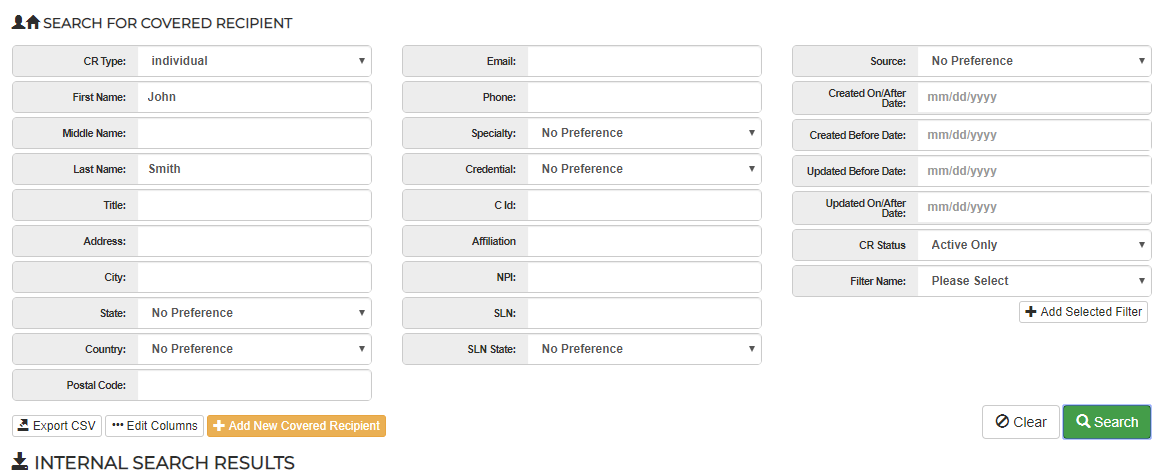
If you are looking to update an existing CR in your system, simply navigate to the CR record and select the 'compare' button at the top of your page.

This will compare your data with that of NPPES, HDS, and/or the Validation Physician list. You can then select the + ADD buttons or the Blue arrows to move the 3d party data into your customer master - updating your CR record with the selected data.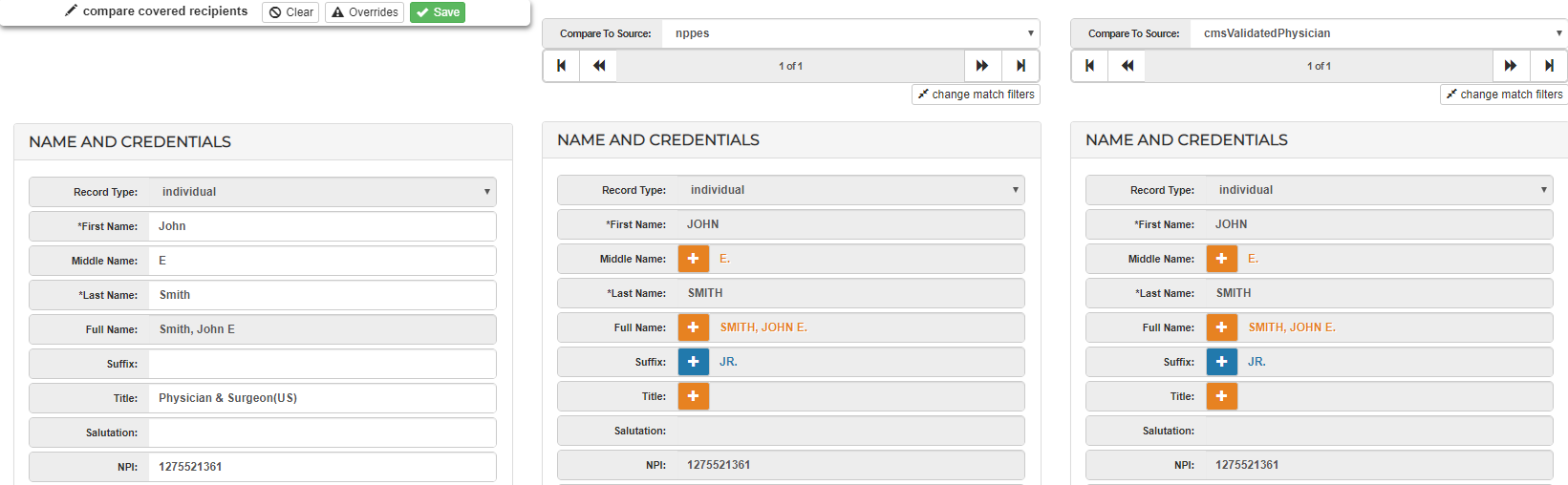
Comments
0 comments
Please sign in to leave a comment.