
Question -
How do I reset my password?
Answer -
On the Production environment - Below the initial login prompt is a button labeled 'Forgot Password'. Selecting this button will open a dialog asking you to enter your username or email address to initiate a password reset on your user account.
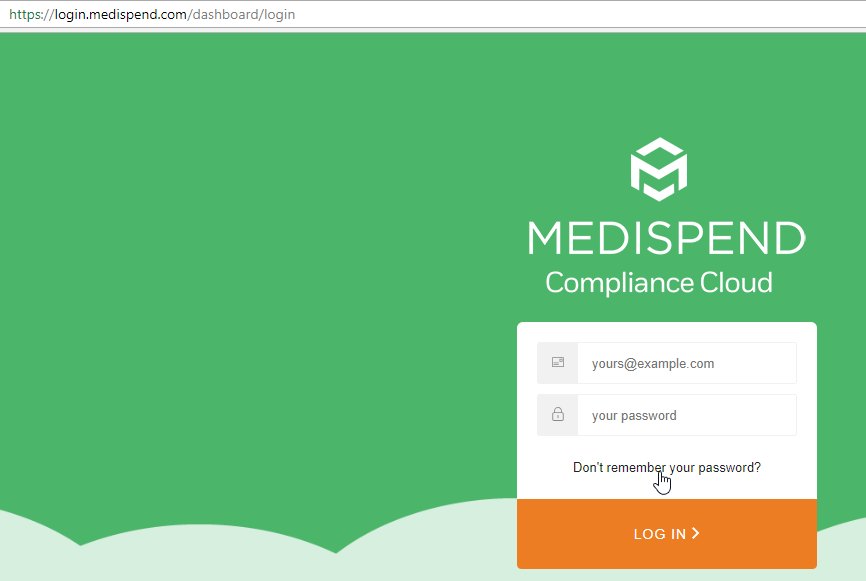
An Email is then sent to the email address associated to your user account which includes a temporary password for accessing the system. This password is only good for the day you perform the reset and the system will prompt you to create a new password after using it.
If you have made repeated attempts to login unsuccessfully, your account may be locked out. If so, please reach out to support and we can work to initiate a manual password reset for you.
On the Implementation environment - Please reach out to the support team to have your password reset as there is no outgoing mail from the IMP environments.
Comments
0 comments
Please sign in to leave a comment.