
Question -
I have a number of spend records appearing in my resolution center with an error of "NPI and Last name mismatch":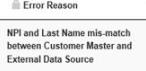
Why am I getting this and how do I resolve these issues?
Answer -
These errors appear when the Covered Recipient record you have within the system has information which differs from what was provided on your spend. In this case the system has identified a Covered Recipient with the same NPI you provided exists, however the last name on your covered recipient does not align with the last name provided on your spend. To verify and correct this issue:
-Review the spend issue in the resolution center by selecting the view/edit option: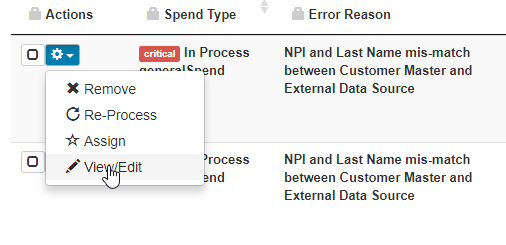
-Scroll down to the covered recipient fields
-Select the +Add Covered Recipient button

-Clear all of the fields currently filled out and search only by NPI
-The Covered Recipient you are looking for should appear as the only Internal result
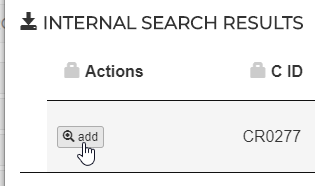
-Select the +ADD button to the left of the search result
-Save the record in the RC
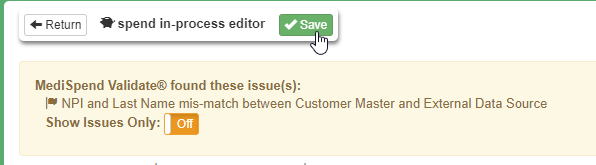
This will clear the issue from the resolution center and associate the proper CR information to the spend record in question.
Comments
0 comments
Please sign in to leave a comment.